A month after unsuccessfully attempting to create characters using Blender’s Sculpting Mode, I realized that I wouldn’t make any progress using just a mouse. So I decided to invest in a graphics tablet, and after much research, I opted for an XP Pen Artist 12 3rd.
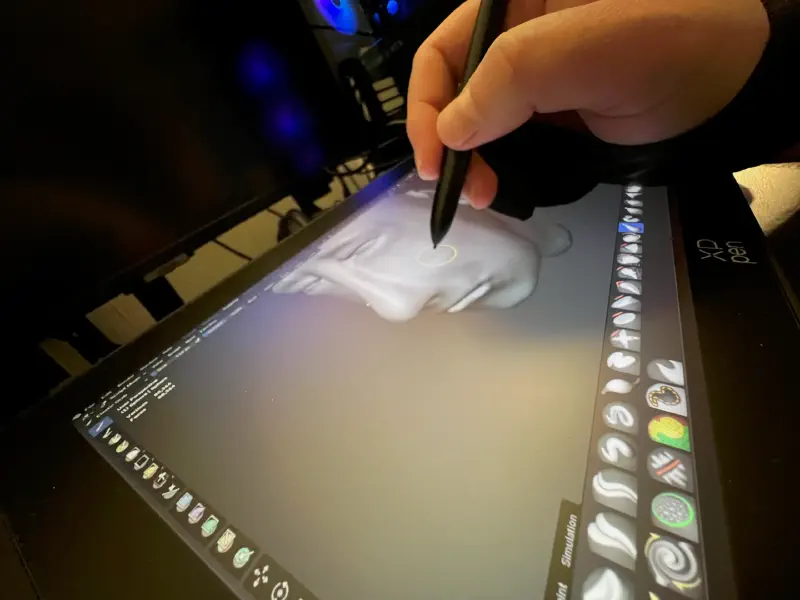
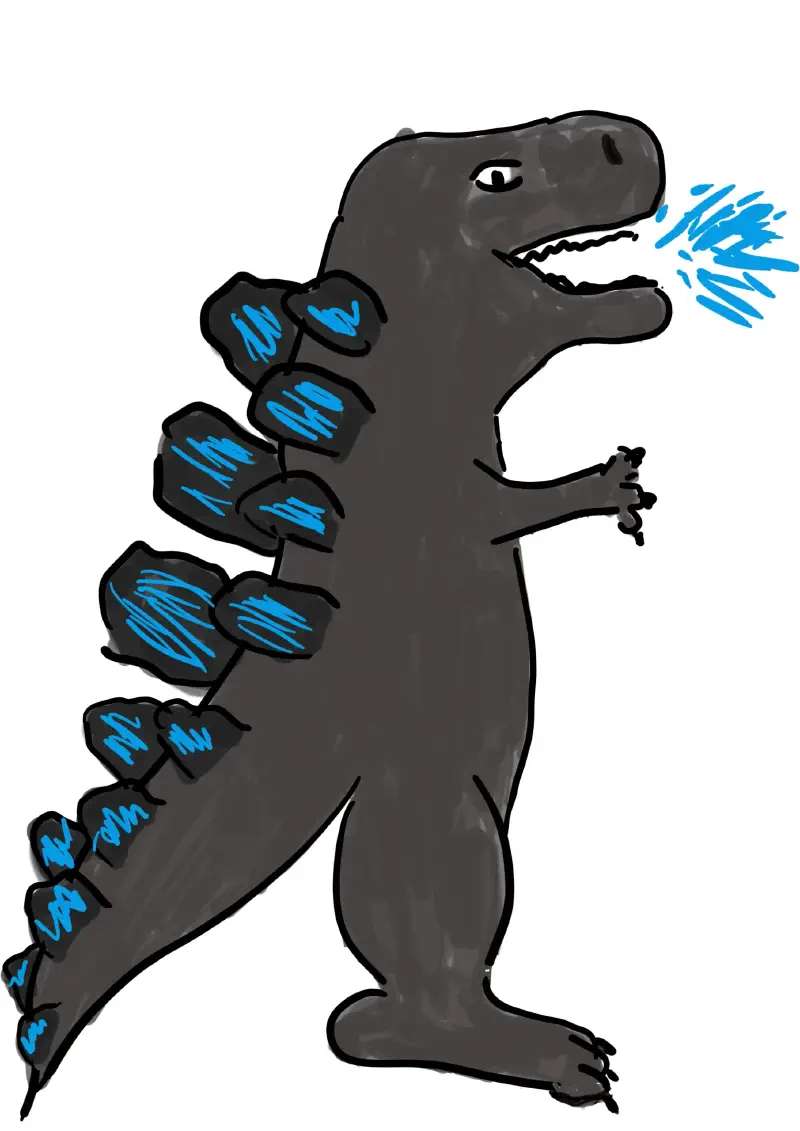
The model is fairly new and relatively inexpensive for this type of product (~€200). With good color gamut coverage, Full HD resolution, and high sensitivity with very little parallax, this graphics tablet seemed ideal for beginners. As a bonus, it features two scroll wheels and eight customizable shortcut buttons, and it also includes a stand and a glove to help your hand glide more smoothly. That said, it won’t miraculously improve my drawing skills—I’m not very good at it, as evidenced by this magnificent Godzilla created using the tablet in Affinity, the software recently acquired by Canva.
So I decided to start a new series of tutorials dedicated exclusively to 3D sculpting. I have a whole list of them, but I started with a video on face sculpting by Grant Abbit.
And after a solid hour, here’s the result:
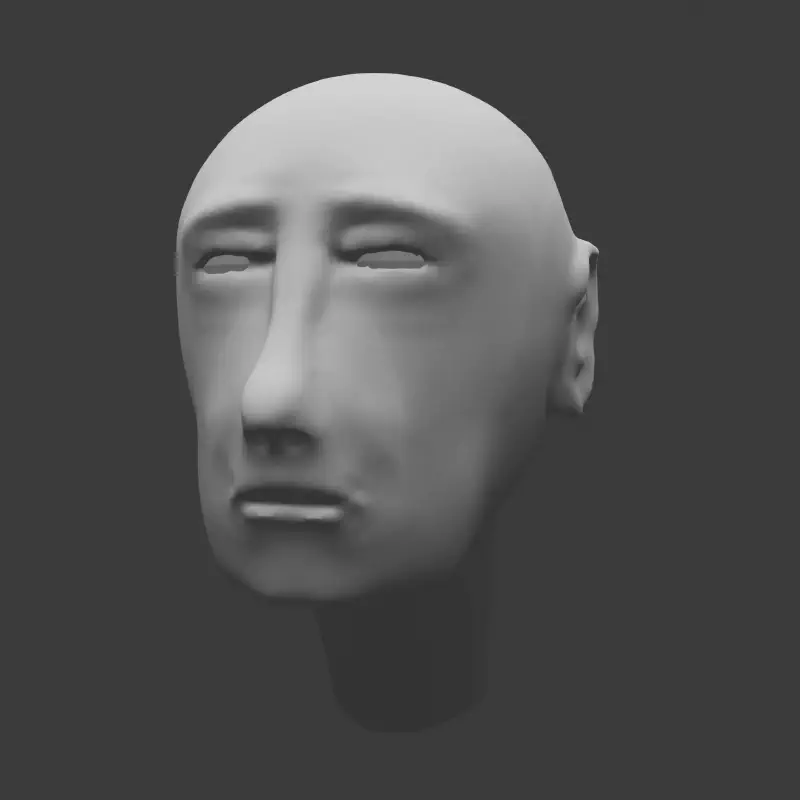
Well, it’s still not great, and it doesn’t look anything like the model, but it was still more comfortable with the tablet, more intuitive. Clearly, I haven’t quite got the hang of the brushes yet; I’m still having a hard time understanding how each one interacts with the mesh, but with the pressure-sensitive stylus, it already makes more sense, and I’m hopeful that I’ll improve faster.
Motchus
#1541 — 5/6
Misplaced Missing Missing Missing Misplaced
Missing Present Misplaced Missing Misplaced
Missing Present Present Misplaced Missing
Missing Present Present Missing Missing
Present Present Present Present Present
Articles connexes #